流動 App
TopWealth Trading App
帳戶管理、資金服務、市場資訊與客戶溝通的一站式行動平台。
隨時隨地查看帳戶資訊與資金記錄,提交入金及出金申請,獲取市場資訊,並透過專屬聊天室與客戶支援團隊保持溝通。
掃碼下載
用手機鏡頭對準 QR Code
核心功能
一個 App,集中管理您的帳戶與服務需求
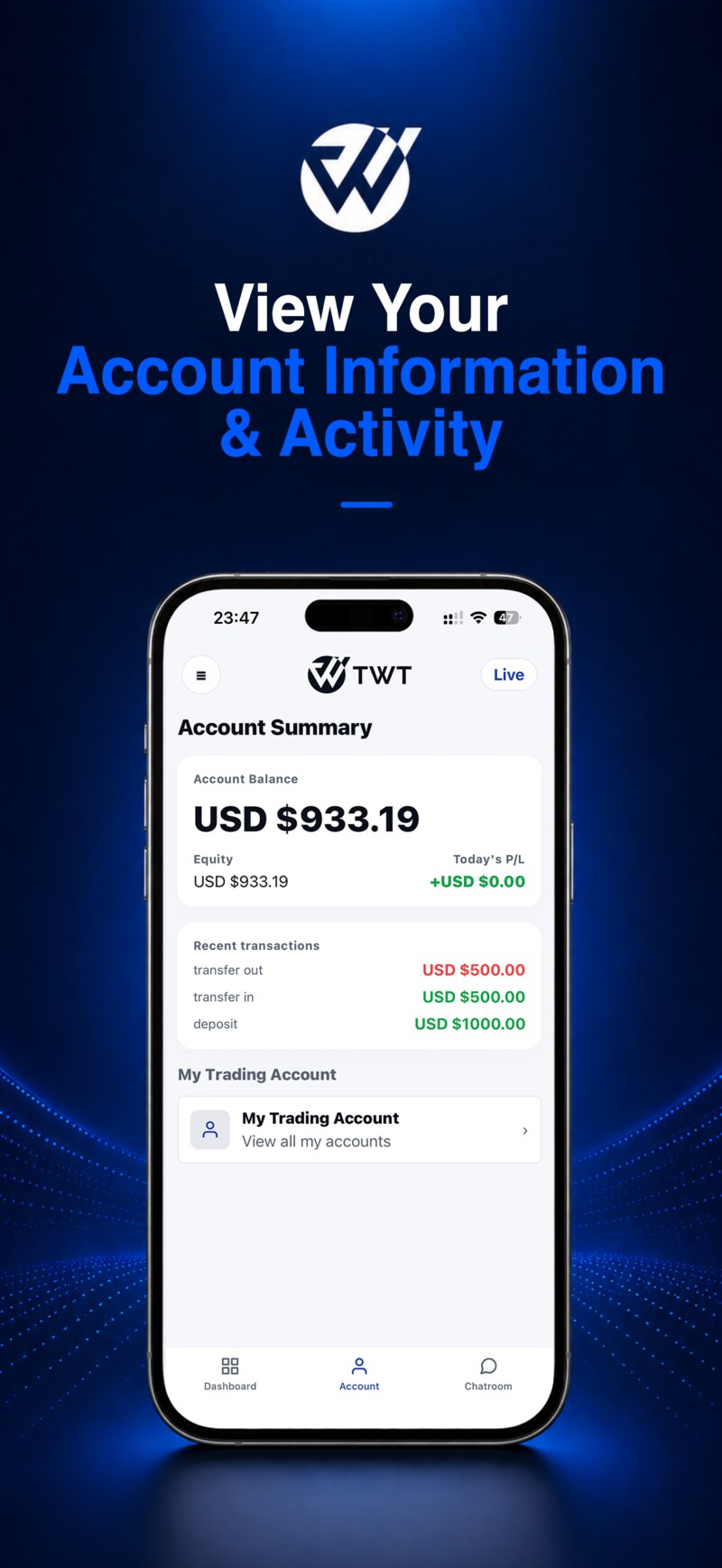
帳戶資訊與記錄
View your account balance, equity, account status, funding records, and related service information.
入金與出金申請
Submit deposit and withdrawal requests online and view your funding service records.
市場資訊與平台更新
Access market updates, financial news, daily reports, and platform notifications.
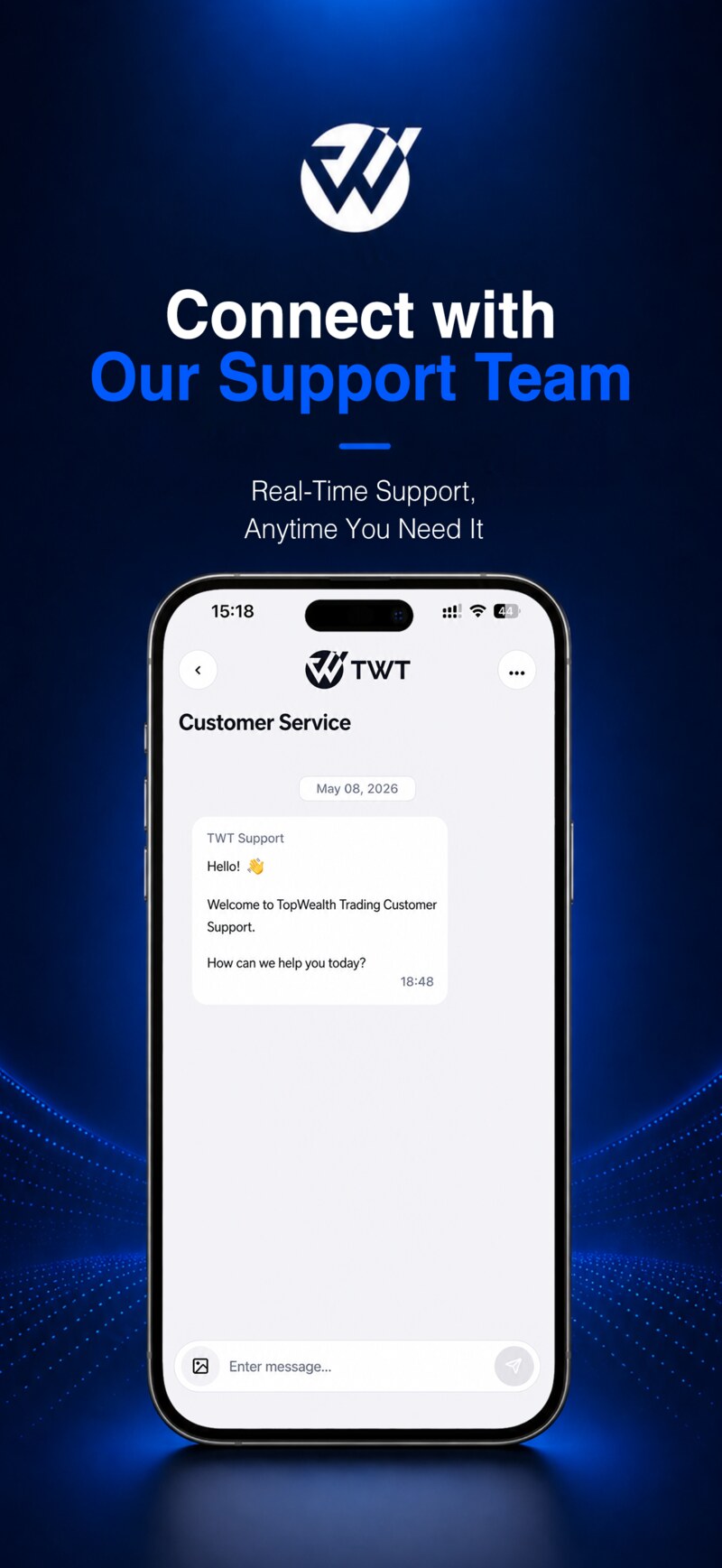
客戶支援聊天室
Join your dedicated chatroom through the App and stay connected with the client support team.
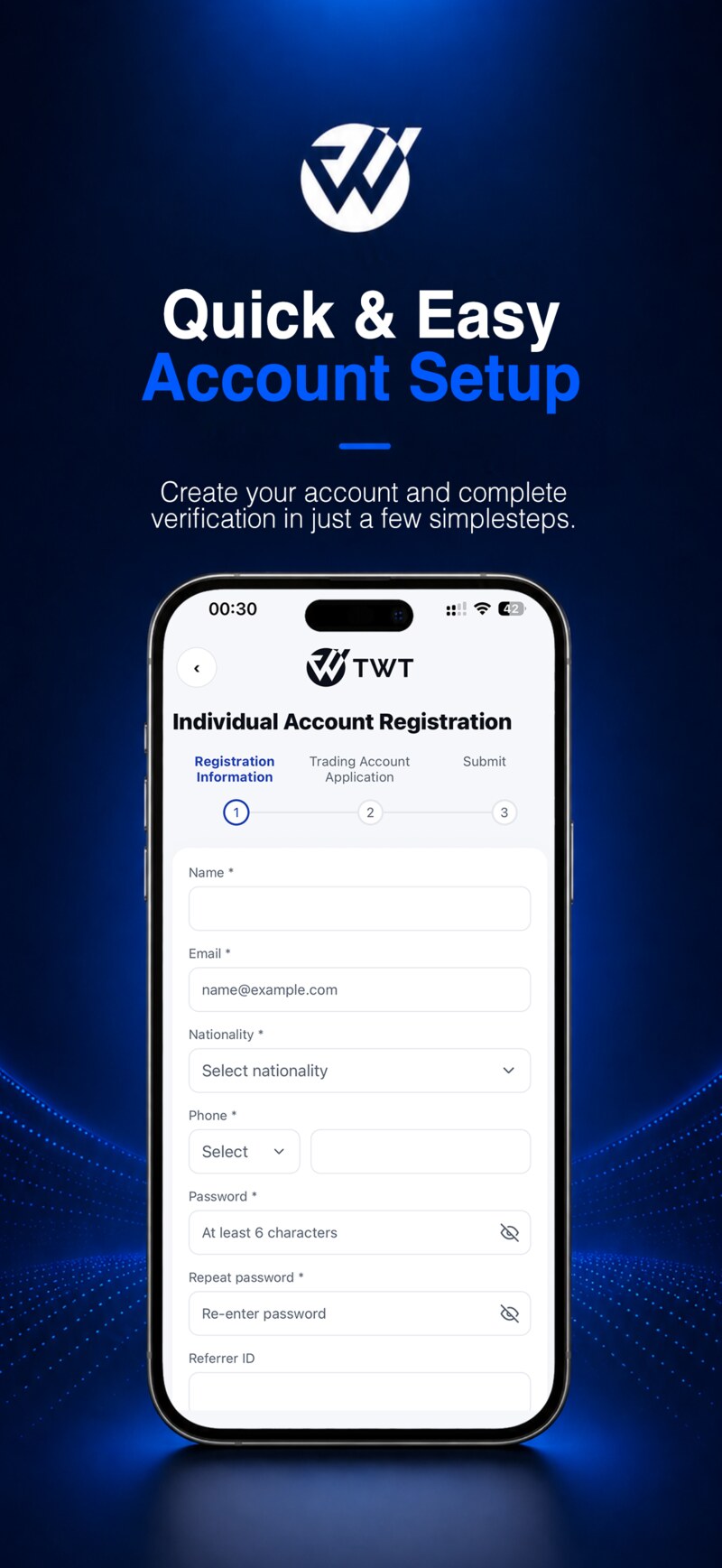
帳戶註冊與 KYC
Complete account registration, information submission, and identity verification through your mobile device.
代理與 Referral 管理
Agents can view referral links, client reports, commissions, and related management information.
Chatroom 加入流程
透過 App 加入專屬客戶聊天室
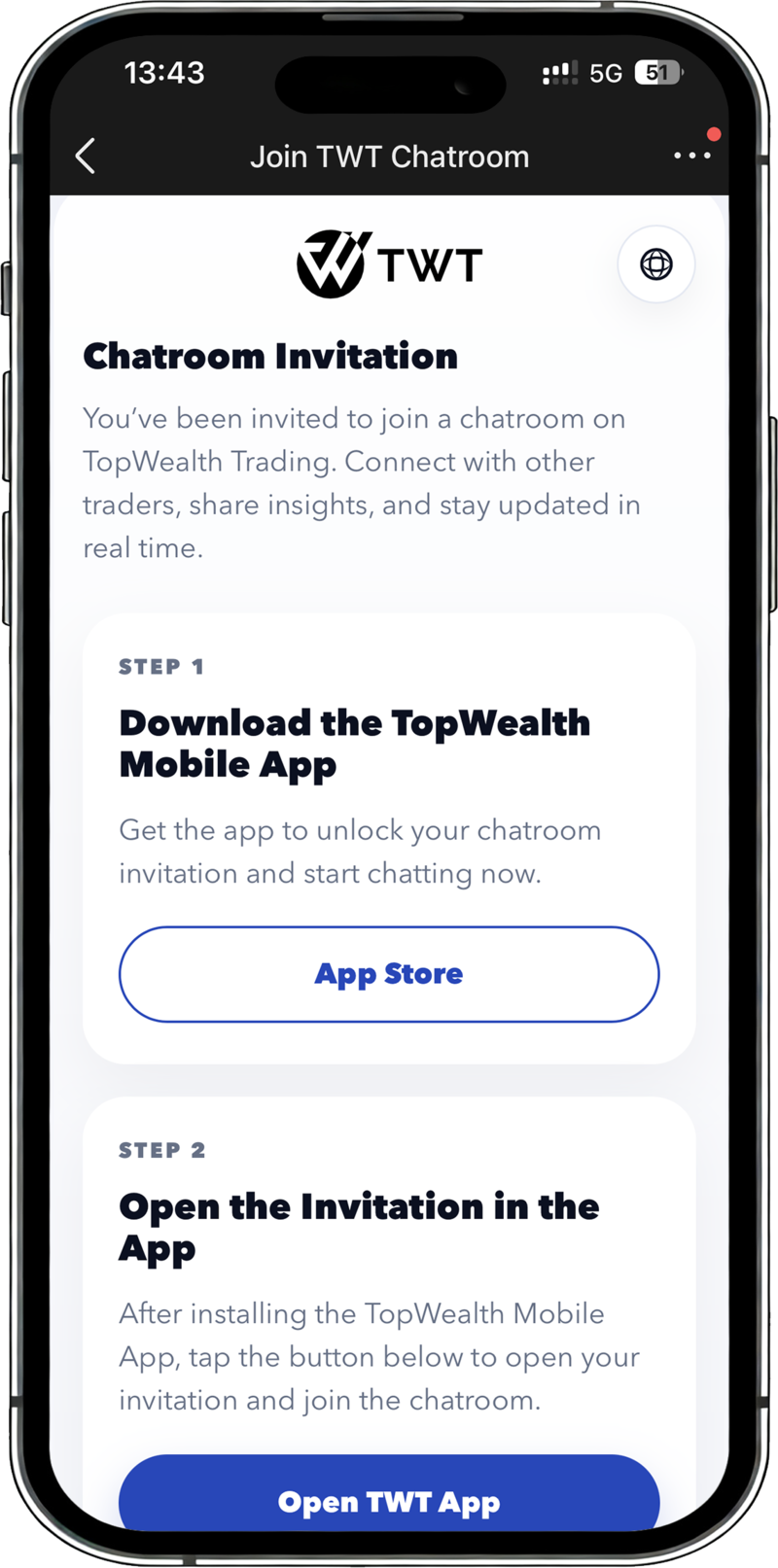
TopWealth Trading App 支援客戶透過 QR Code 或邀請連結加入聊天室。聊天室功能目前需要透過手機 App 開啟,不支援網頁版直接進入。
已完成 KYC 且已入金的代理帳戶,可擁有建立聊天室的權限。客戶可透過代理提供的 QR Code 或連結加入對應聊天室。
-
1
下載 TopWealth 手機 App
用戶需要先在手機上安裝 TopWealth Trading App。
-
2
點擊加入按鈕或掃描 QR Code
用戶點擊邀請連結或掃描 QR Code 後,系統將嘗試透過 App Link 開啟 TopWealth Trading App。
-
3
進入 App 並完成聊天室設定
如果手機已安裝 App,系統將開啟 App,並引導用戶進入對應 Chatroom 設定流程。
-
4
開始與客戶支援團隊溝通
用戶進入聊天室後,可與客戶支援團隊進行溝通,提交問題或獲取服務支援。
重要提示
如果用戶手機未安裝 App,邀請連結將無法直接開啟聊天室。用戶需要先下載 App,再透過 QR Code 或邀請連結加入。
截圖展示
清晰直觀的行動端服務體驗